macOS
Mac with Apple Silicon (M1 or later)
macOS 14 or later
 La meva IPTV
FOR MAC · ALSO ON FIRE TV
Live channels, movies and series in one simple app. Connect your M3U playlist or Xtream Codes server and make yourself a space to watch.
Apple Silicon · macOS 14 or later
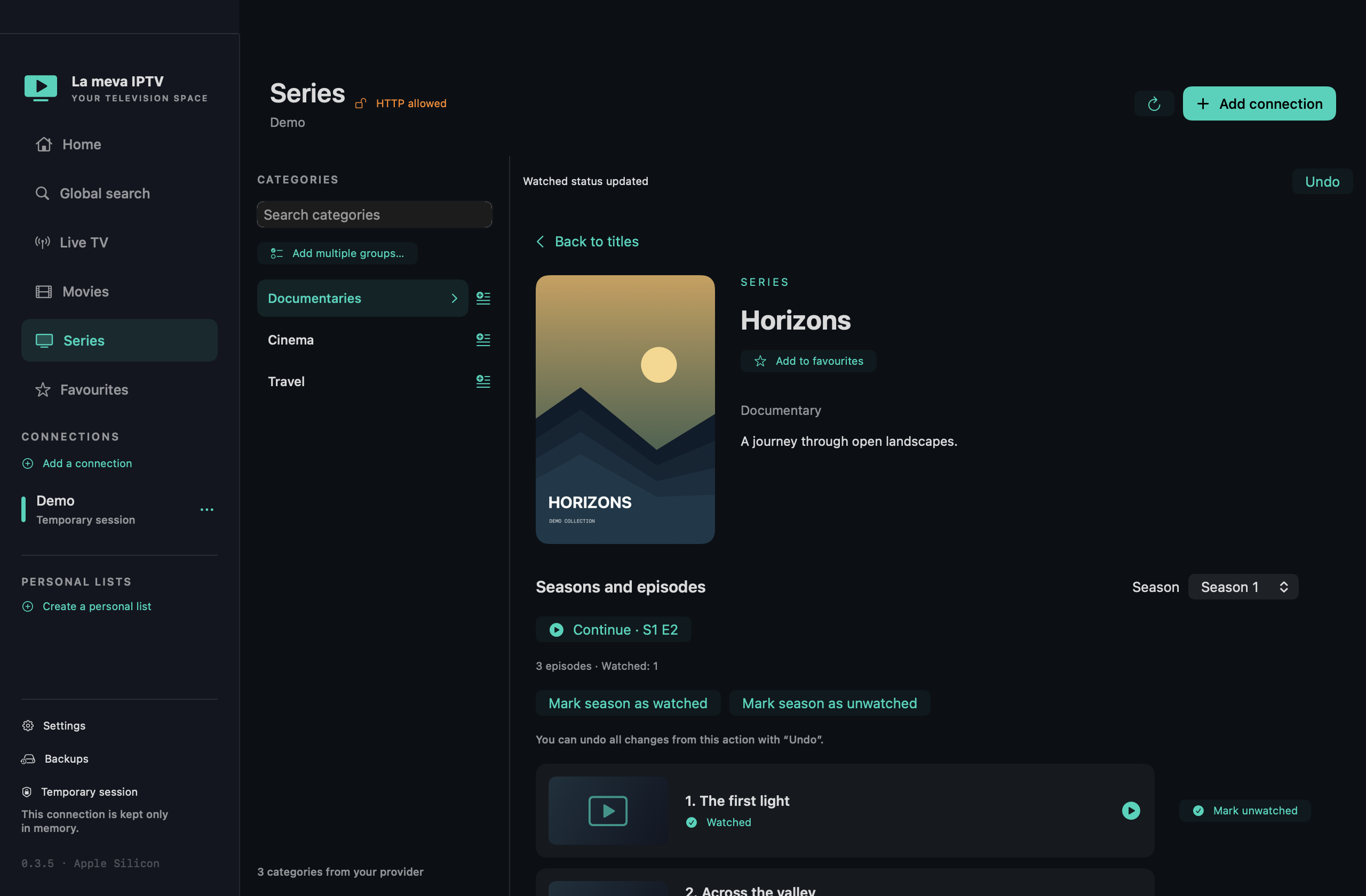
Dedicated sections for live TV, movies and series. Global search, favourites and personal lists to group channels and categories your way.
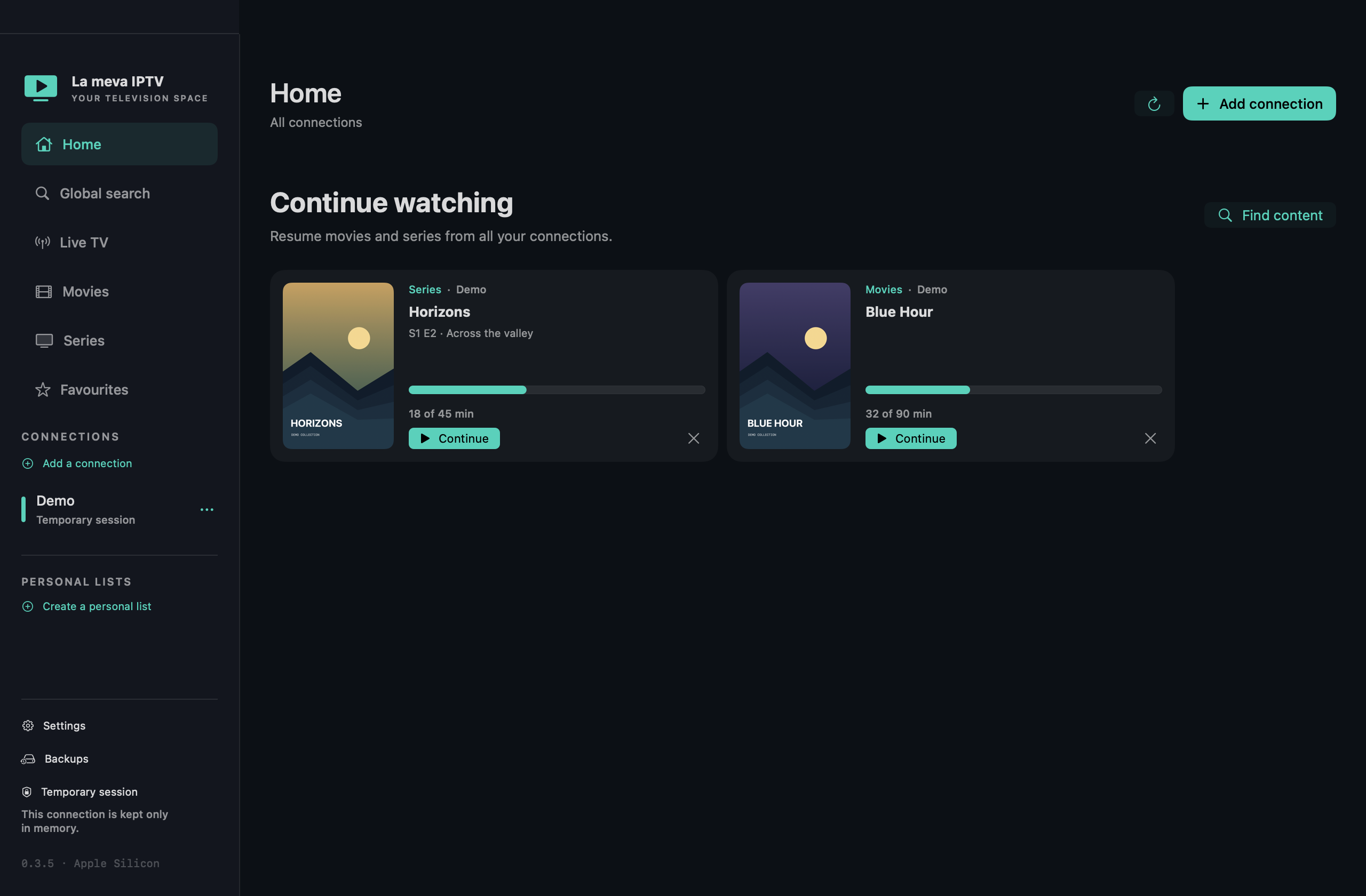
Resume playback from Home. See watched episodes, mark them manually and move to the next one with a countdown.
Full screen, audio tracks and subtitles available in the video. On Mac, you also get external subtitles and keyboard shortcuts.
Catalan, English, Spanish and French. Local preferences, progress and organisation, with backups and credentials protected by Mac Keychain.
Download the app and add your sources. No La meva IPTV account required.
Mac with Apple Silicon (M1 or later)
macOS 14 or later
Fire TV with Fire OS 6 or later
Android TV 7.1 or later · Remote control
Open the DMG, drag La meva IPTV to Applications and launch it. Add an M3U or Xtream Codes connection using your provider’s details.
This version is not yet notarised by Apple. macOS may block it from opening.
Open Downloader on Fire TV and enter this address:
https://lamevaiptv.neurona.cat/tv.apk
Allow installations from Downloader in Settings and open the APK. Use the remote and on-screen keyboard to enter your connection. To update, install the new APK without uninstalling the previous version.
This APK is for Fire OS and Android TV; devices running Vega OS are not compatible.
This version is not yet notarised by Apple. macOS may block it from opening.